
Mouse activity is not work
A lot of real work doesn't move the mouse. Reading a contract. Thinking through a problem on paper. A phone call with a client. A meeting on another device. Sketching a plan on a whiteboard. To an app that counts clicks and keystrokes, all of that looks the same as being away.
What activity scores actually measure
Many time trackers and status indicators measure one thing: how recently, and how often, the mouse and keyboard were used. That's a measure of input, not of output. It can tell a manager that someone was at the computer; it can't tell them whether the work was good, finished or useful.
Why that's a problem for everyone
- For the person working, it creates pressure to look busy instead of being effective: moving the mouse during a call, avoiding long reads, breaking concentration to "prove" presence.
- For the team, it rewards visible activity over results, and the numbers become something to manage instead of a reflection of the work.
- For trust, it signals that presence matters more than outcomes, which is the opposite of what most remote teams say they want.
What works better
- Agree on outcomes. Clear goals, deadlines and deliverables say more about performance than any activity percentage.
- Make deep work visible. Block focus time in the calendar, set a status ("reading", "on a call"), and share progress at agreed check-ins.
- Talk about the tool. If a tracker's idle timeout is too short for the kind of work you do, say so. Many tools let admins adjust it or count call time.
- Separate support from surveillance. Time tracking can be useful for billing or planning; it works best when everyone knows what it measures and what it doesn't.
Where a tool like Zuturno fits, and where it doesn't
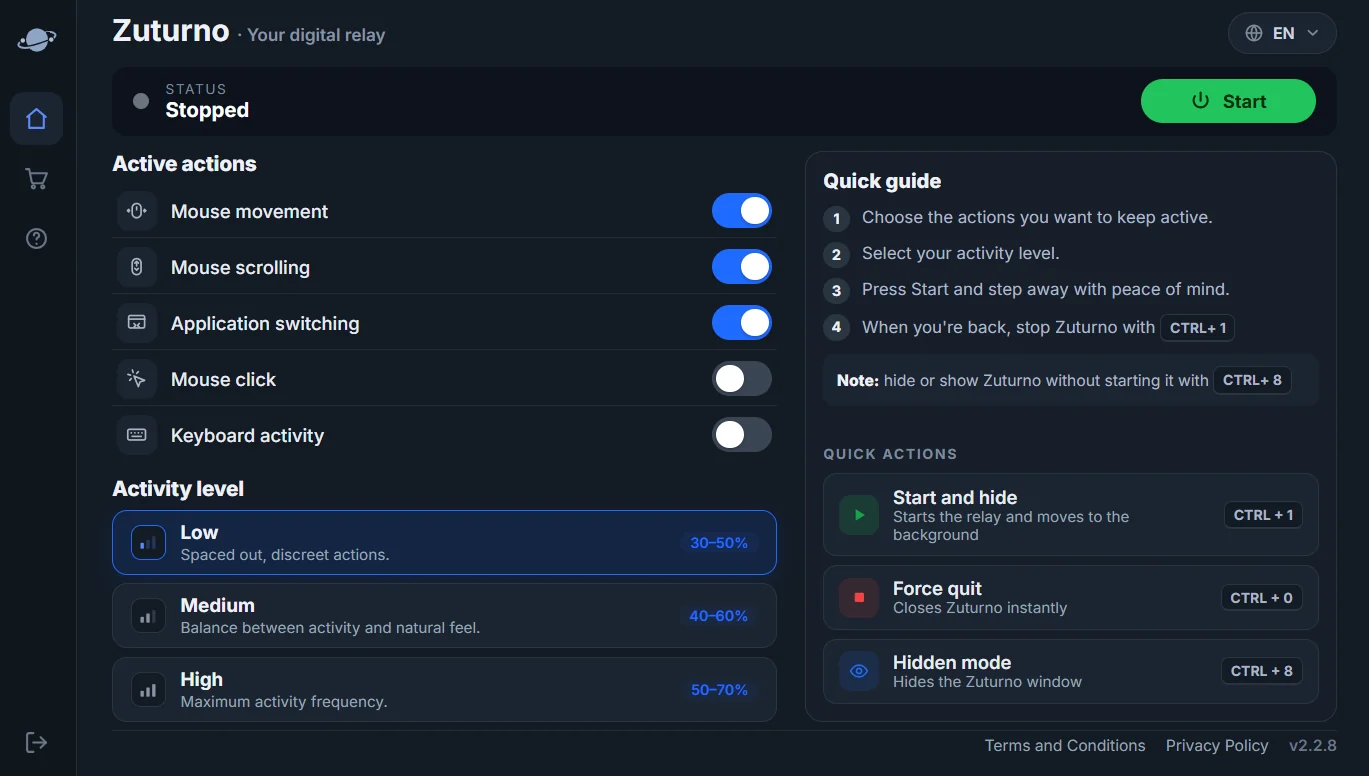
Zuturno keeps your own computer active while you step away, so a short break doesn't close your sessions or lock your screen. It's a convenience for your own workflow, not a way to fake work: using any tool to report work you didn't do breaches trust, and our Terms prohibit it. If your problem is a tracker marking you idle while you work, the honest fix is a conversation, not a script. See How to stop Windows 11 from sleeping for the settings side.
FAQ
Is it fair to measure remote workers by mouse activity?
It measures presence at the computer, not the quality or results of the work. It's one signal, and a weak one on its own.
What should I do if my tracker marks me idle while I'm working?
Ask your manager or admin to review the idle timeout, use the tracker's options for calls or manual time, and document work done away from the keyboard.
Does Zuturno help me look busy?
That's not its purpose. Zuturno keeps your own computer active during breaks; using it to report work you didn't do is prohibited by our Terms.