
Can a mouse jiggler be detected?
Short answer: yes, often. Anyone who tells you a mouse jiggler is "undetectable" is selling you something. A USB jiggler, a free app or a paid one like Zuturno can all be identified, depending on what the company or the software is looking for. Here's how, and what it means for you.
How a USB jiggler can be identified
A USB jiggler shows up to the computer as a new mouse. Every USB device reports a vendor and product identifier, and company computers often log or restrict new USB devices. Some jigglers report a generic mouse identifier, but the device still appears in the computer's list of connected hardware.
How a software jiggler can be identified
- Installed software. Companies use device management and security tools that list every installed app and running process. A jiggler is just another app on that list.
- Synthetic input. On Windows, input created by software (instead of a physical device) can be marked as injected, and programs that watch input can see that flag. macOS also requires you to grant the Accessibility permission to any app that generates input, which is visible in System Settings.
- Network activity. Apps that check a license or update online make connections that a company network can see.
What time trackers and employers look at
Time trackers and monitoring tools don't only count mouse movement. Depending on the tool and its settings, they can also look at:
- activity patterns that are too regular or too constant;
- mouse activity with no keyboard input, or the other way around;
- screenshots or app usage that don't change for a long time;
- reports that flag "unusual activity" for a manager to review.
In 2024, several news outlets reported that Wells Fargo dismissed more than a dozen employees over the "simulation of keyboard activity". Whatever the tool, the consequence came from the employment relationship, not the software.
What this means before you use one at work
- Check your contract and company policy first. If your employer or client doesn't allow it, don't use a jiggler on their computers or accounts.
- Don't use any tool to report work you didn't do. That's the line that turns a convenience into a breach of trust, and Zuturno's Terms prohibit it.
- On your own computer, for your own reasons (keeping a session open during a break, a long download, a presentation), there's nothing to hide.
What Zuturno does and doesn't claim
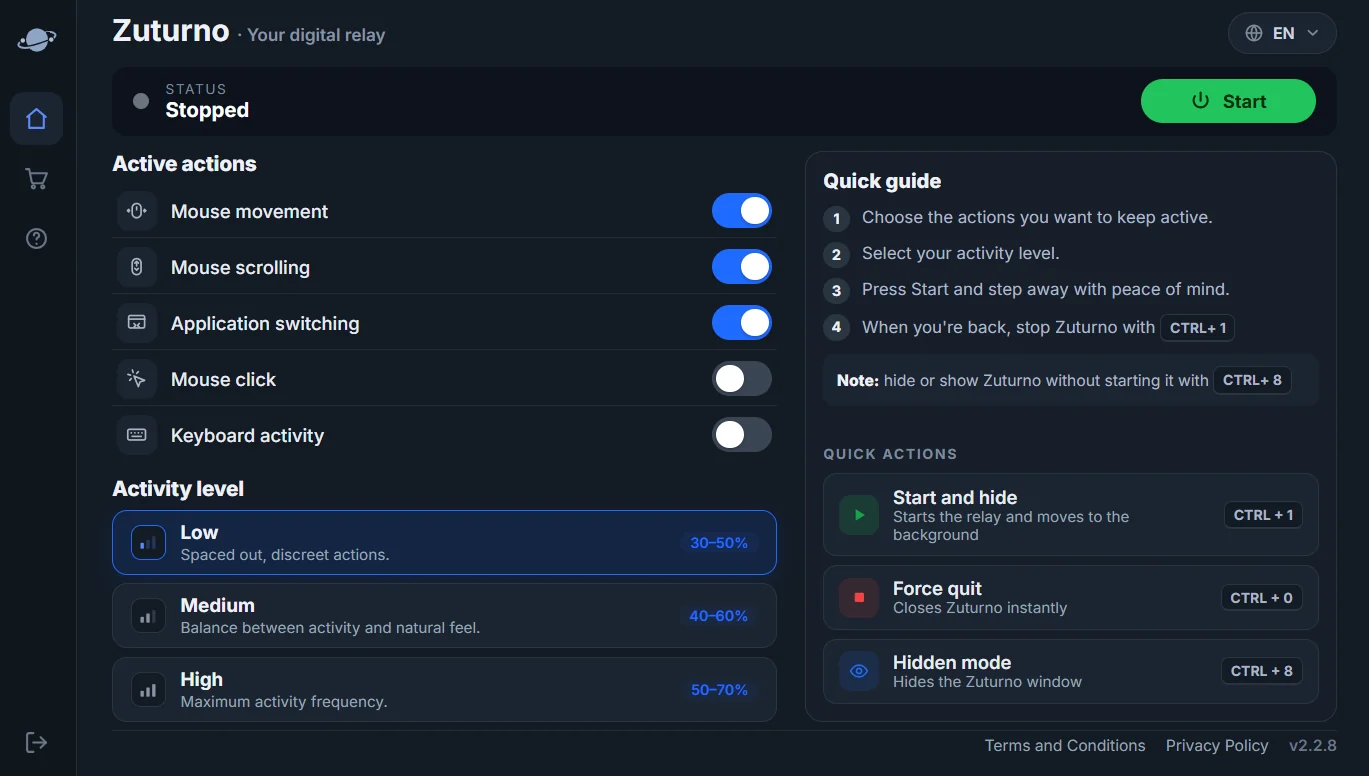
Zuturno simulates mouse, scroll, click and app-switching activity, plus keyboard activity on Windows, on your own computer. It doesn't claim to be undetectable and isn't designed to evade monitoring. It runs locally, and we publish exactly what it sends in Privacy and security. If you only need the computer not to sleep, you may not need a jiggler at all: see How to stop Windows 11 from sleeping and How to stop your Mac from sleeping.
FAQ
Can my employer see that I use a mouse jiggler?
Often, yes: through the list of installed software or connected devices, through input that's marked as synthetic, or through activity patterns in monitoring tools.
Is a USB jiggler harder to detect than software?
Not necessarily. It appears as a connected device, and USB devices are commonly logged on company computers.
Is Zuturno undetectable?
No, and we don't claim it is. Use it on your own computer and within the rules that apply to you.
Is it illegal to use a mouse jiggler?
Using one isn't illegal in itself, but using it against your contract or to report work you didn't do can have consequences at work.