
Why Remote Desktop or your VPN disconnects when idle, and what to do
You step away for a few minutes and come back to "Your Remote Desktop session has ended" or a VPN that needs you to sign in again. These disconnects usually aren't errors: they're time limits set on purpose. Knowing where they come from tells you what you can fix and what you shouldn't touch.
Where idle disconnects come from
- Remote Desktop session limits. On the computer or server you connect to, Windows can end or disconnect sessions that are idle for a set time. These limits are usually set by Group Policy.
- VPN idle timeout. Most company VPNs drop the connection after a period without traffic. This is set on the VPN server, by your company.
- Your own computer going to sleep. If your laptop sleeps or loses Wi-Fi, the remote session or VPN drops with it.
- Network equipment. Some routers and firewalls close connections that stay quiet for too long.
What you can change
On your own computer (the one you connect from):
- Stop it from sleeping while you're connected: see How to stop Windows 11 from sleeping or How to stop your Mac from sleeping.
- In Windows, check Device Manager > Network adapters > your adapter > Power Management, and untick "Allow the computer to turn off this device to save power".
- Prefer a wired connection or a stable Wi-Fi network for long sessions.
On a remote computer or server that's yours:
If you manage the remote machine yourself (for example, your own home PC), you can review its session limits in the Local Group Policy Editor: Computer Configuration > Administrative Templates > Windows Components > Remote Desktop Services > Remote Desktop Session Host > Session Time Limits. Also make sure that machine doesn't sleep.
What to ask IT about
If the remote desktop or VPN belongs to your company, the time limits are a security decision. Don't try to work around them. If they're too short for the way you work, for example during long calls or reading, ask IT whether they can be adjusted for your role.
Where Zuturno fits
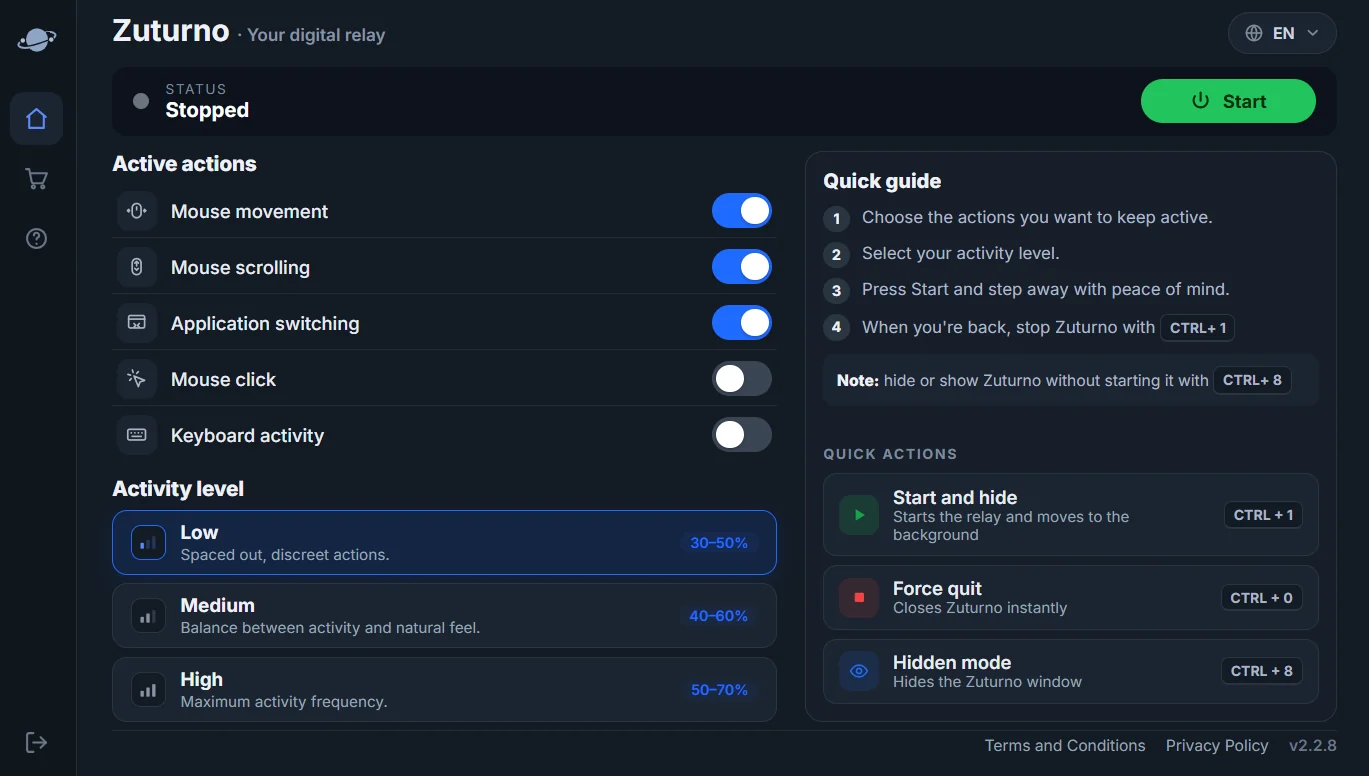
Zuturno keeps your own computer active while you step away, so it doesn't sleep or lock during a break. It doesn't change your company's VPN or remote desktop policies, and using it to get around them may breach those policies. If you're not sure, ask first.
FAQ
Why does Remote Desktop say my session ended due to inactivity?
The remote computer has a time limit for idle sessions, usually set by Group Policy. Your administrator controls it.
Can I stop my VPN from disconnecting?
If it's your company's VPN, the idle timeout is set on their server; ask IT. You can make sure your own computer doesn't sleep or lose the network.
Does keeping my computer awake keep Remote Desktop connected?
It prevents disconnects caused by your computer sleeping. It doesn't change the time limits set on the remote computer.