
How to take real breaks when you work from home
At home there's no walk to the coffee machine, no lunch with colleagues and no commute to mark the end of the day. Breaks get skipped, or turn into "five minutes" scrolling at the same desk. Real breaks, away from the screen, help you come back with more focus. Here's how to make them happen.
1. Plan them like meetings
Put your breaks in the calendar: a lunch block and one or two short pauses. A break that's on the calendar is much harder to skip, and your team knows when you're away.
2. Use a rhythm that fits your work
- Focus blocks: work for a set time, then take a short break. The classic version is 25 minutes of work and 5 of rest; many people prefer longer blocks of 50 to 90 minutes for deep work.
- Eyes: a common rule of thumb is to look at something about 20 feet (6 meters) away for 20 seconds every 20 minutes.
- Lunch: at least 30 minutes away from the desk, not in front of the screen.
3. Actually leave the screen
A real break means changing what you're doing: stand up, walk, stretch, step outside, make coffee, play with the dog, talk to someone. Scrolling on your phone at the desk rarely feels like a break.
4. Tell your team
Set your status ("lunch", "back at 2") and agree on how quickly people expect a reply. Most messages can wait 30 minutes; agreeing on that removes the pressure to stay glued to the chat.
5. Make coming back easy
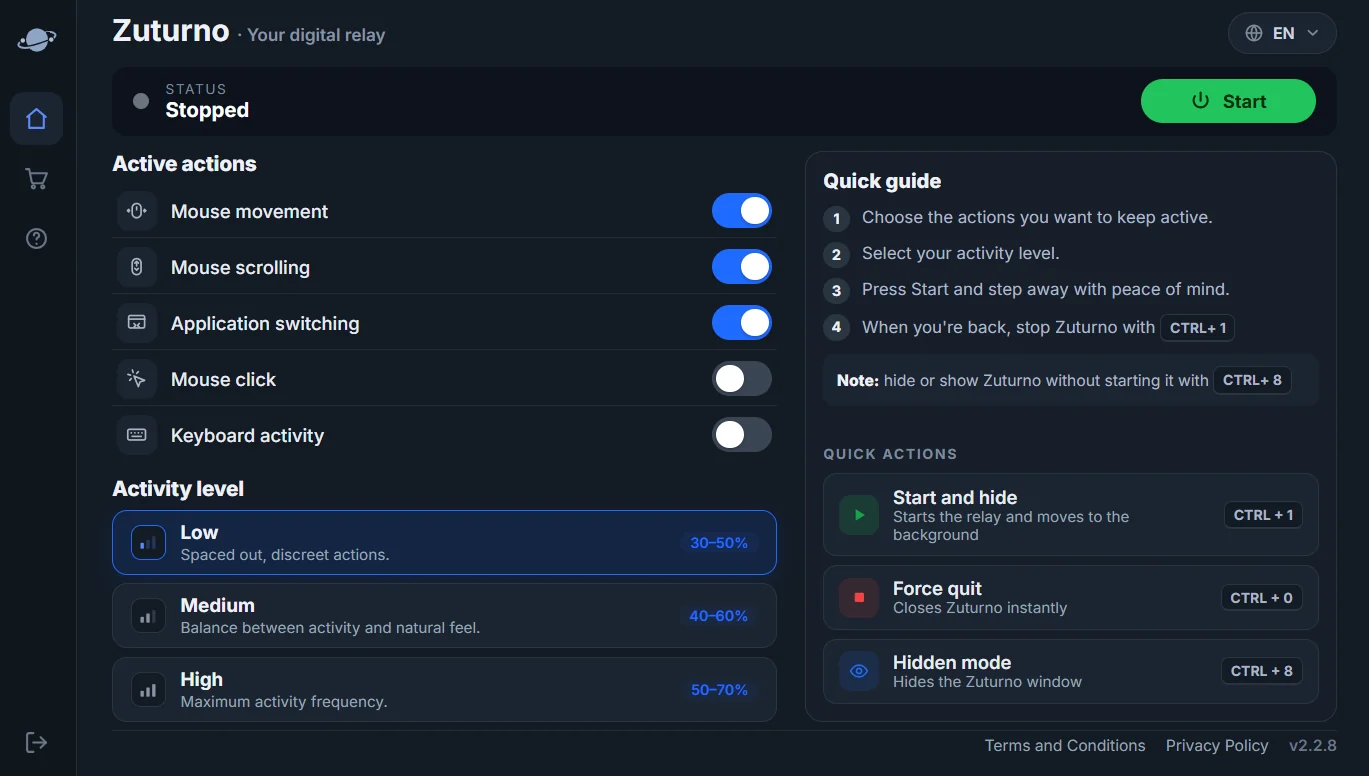
Before you step away, write down your next task, save your work and leave what you were doing open. If your computer tends to lock, sleep or close sessions during a break, adjust the settings: see How to stop Windows 11 from sleeping or How to stop your Mac from sleeping. That's also what Zuturno is for: it keeps your own computer active while you step away, so your break doesn't cost you your sessions.
6. Mark the end of the day
Without a commute, the day can blur into the evening. Close your apps, write tomorrow's first task and leave the work area. A short walk can work as a "commute home".
FAQ
How many breaks should I take?
There's no single number. A lunch break plus a short pause every hour or two works for many people. Adjust it to your work and energy.
Is it OK to take breaks if my company tracks time?
Breaks are part of a normal workday. Agree with your team or manager on how breaks are handled in your time tracking.
How do I stop my computer from locking during a break?
Change the sleep and lock settings, or use a tool that keeps your own computer active while you're away. See our guides for Windows and Mac.