
Software vs. USB mouse jiggler
A mouse jiggler keeps your computer from going idle by moving the cursor while you're away. You can get one as a USB device you plug in, or as software you install. Both generate mouse input, so both keep the computer awake and reset the "time since last input" counter. They differ in setup, flexibility and what else they can do.
How a USB mouse jiggler works
A USB jiggler is a small dongle that your computer recognizes as a mouse. Every so often it sends a tiny cursor movement. There's nothing to install: you plug it in and it starts working. Some models are a physical platform that moves your real mouse instead.
How a software jiggler works
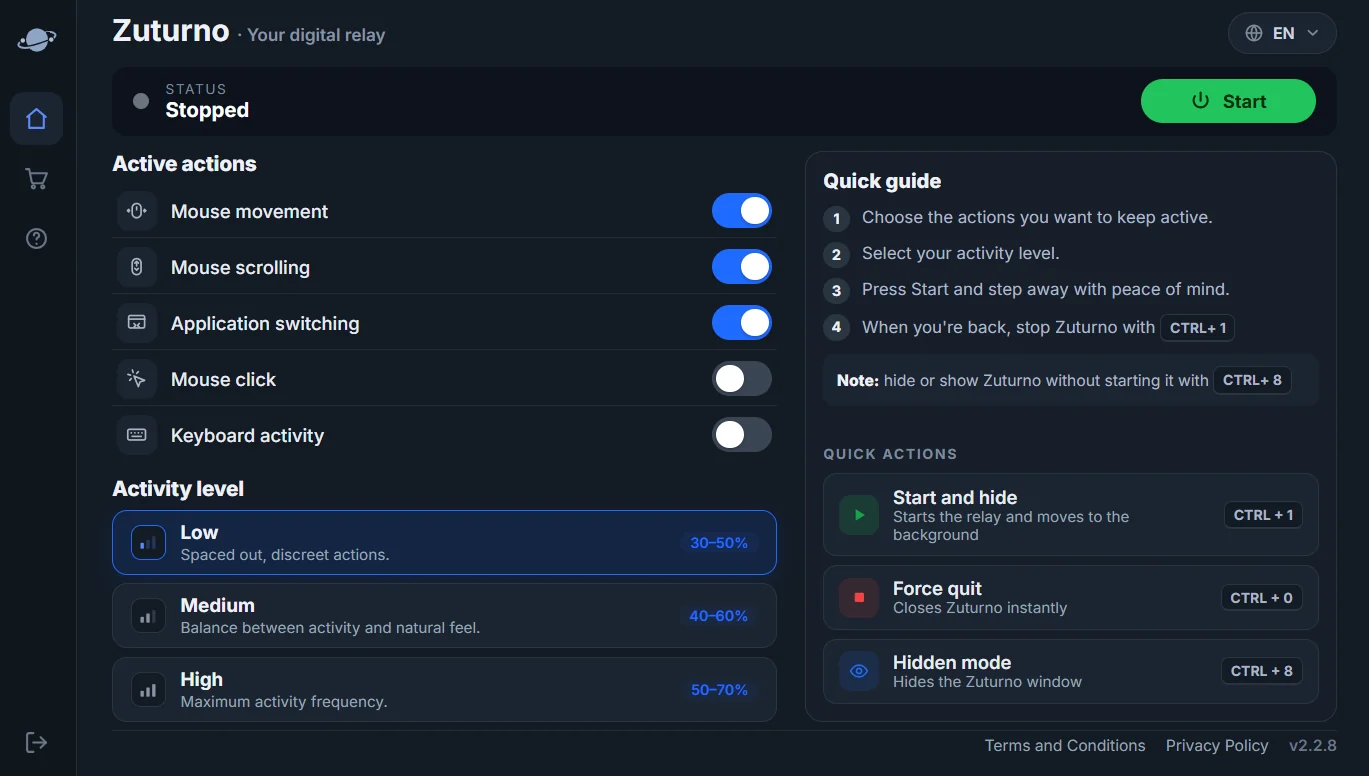
A software jiggler is an app that generates the input itself. Free ones, like the open-source Mouse Jiggler for Windows, nudge the cursor at a fixed interval. Configurable ones, like Zuturno, combine several kinds of activity and let you choose which actions run, how often, and when to start or stop.
Side by side
| USB jiggler | Free software jiggler | Configurable software | |
|---|---|---|---|
| Setup | Plug in, nothing to install | Install an app | Install an app |
| Works on | Any computer with a free USB port | Usually one operating system | Depends on the app (Zuturno: Windows and Mac) |
| Activity | Mouse movement only | Mouse movement only | Mouse, scrolling, clicks, app switching; keyboard on some platforms |
| Turn on and off | Unplug it, or a switch on some models | From the app | From the app or a keyboard shortcut |
| Settings | Few or none | Interval | Actions, activity level, shortcuts |
| Cost | One-time purchase | Free | Usually a subscription |
Which one should you use?
- You want something with no setup, or you move between several computers: a USB jiggler is simple and works anywhere there's a free USB port.
- You only need the cursor to move on one Windows computer: a free software jiggler is enough.
- You want more than cursor movement, different activity levels, or the same app on Windows and Mac: a configurable app like Zuturno fits. Try the free options first if they cover what you need.
- You only need the computer not to sleep: you may not need a jiggler at all. See Keep your computer awake vs. simulate activity.
Use it responsibly
Any jiggler, hardware or software, is for your own computer and your own workflow. If you work for a company or a client, check your contract and their policies before using one on work computers or accounts, including their rules about connecting USB devices.
FAQ
Is a USB mouse jiggler better than software?
Neither is better in general. A USB jiggler is simpler and needs no installation; software gives you more control and more kinds of activity.
Does a USB jiggler need drivers?
Usually not. Most are recognized as a standard mouse by Windows and macOS.
Can a software jiggler do more than move the mouse?
Some can. Zuturno, for example, can also scroll, click and switch between apps, and on Windows it can generate keyboard activity.
Does Zuturno work on Mac?
Yes. Zuturno works on Windows 10/11 and macOS 12+. See Zuturno for Mac.