
Why Slack shows you as away
Short answer: Slack sets you to away after 10 minutes of desktop inactivity, or when you leave or close the app on your phone. It's an activity signal, not a record of your work. You can set your availability and a status message on purpose, without any tricks.
Availability and status are two different things
- Availability is the dot next to your name: active or away. Slack changes it automatically based on activity, and you can also change it yourself.
- Status is the emoji and short message, like "In a meeting" or "Out sick". You choose it and when it clears.
What sets you to away automatically
According to Slack's help center, you're set to away after 10 minutes of desktop inactivity, or if you navigate away or close the app on your mobile device. If your computer sleeps or locks, it counts as inactivity too.
How to show the status you want, honestly
- Set your availability yourself. On desktop, click your profile picture and choose Set yourself as away or Set yourself as active.
- Set a status with an expiry. Pick an emoji and a message and choose Remove status after... so it clears on its own. For example: "Focus time until 11:00" or "Lunch, back at 1:30".
- Pause notifications. When setting a status on desktop, tick Pause notifications to stay quiet until the status clears.
- Avoid unwanted sleep or locking during long tasks on your own computer: see How to stop Windows 11 from sleeping or How to stop your Mac from sleeping.
If your team reads the green dot as "working"
A green dot only means recent activity. Reading, calls and deep work often look like "away". If it causes friction, agree with your team on response times and use status messages. Faking presence so an employer believes you're working when you aren't can breach your contract or company policy, and Zuturno's Terms prohibit using it that way. See also Mouse activity is not work.
Where Zuturno fits
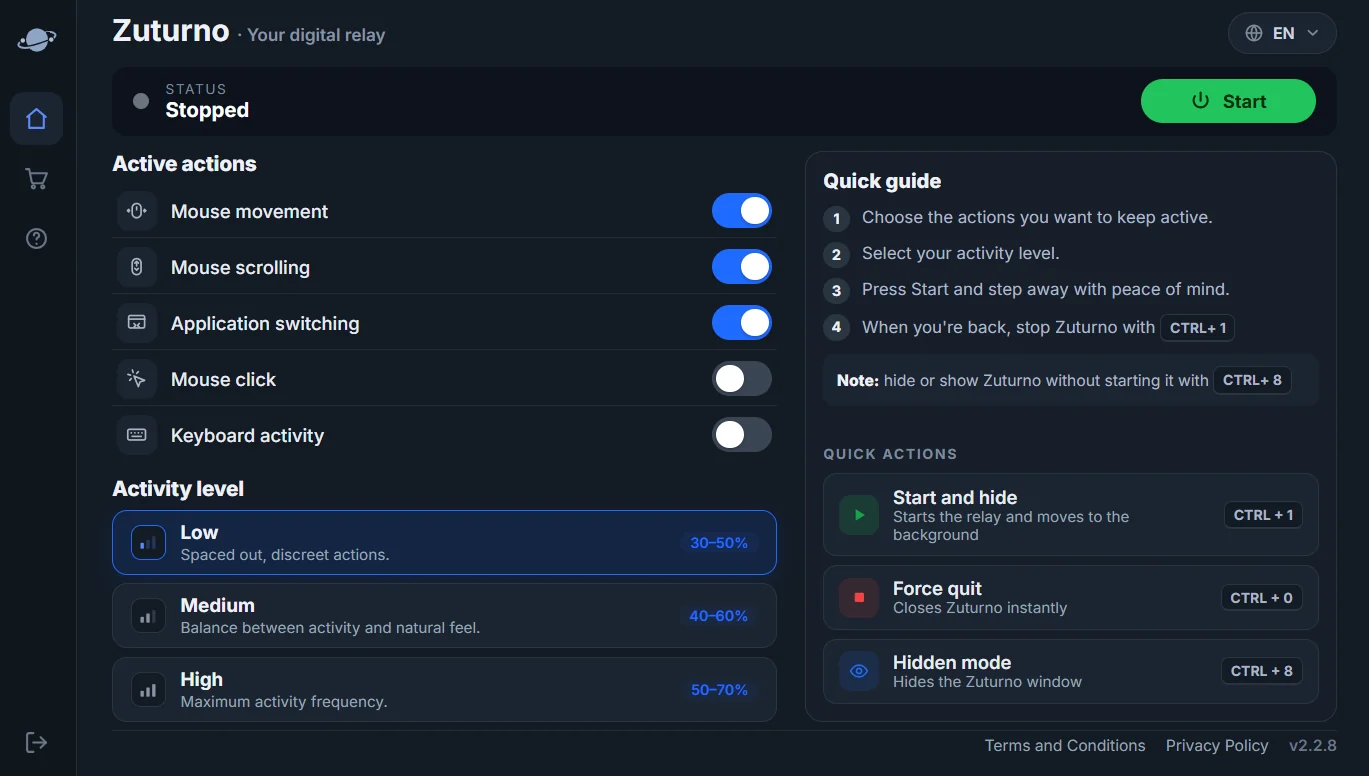
Zuturno keeps your own computer active and awake while you step away, for example during a long download or a presentation. It doesn't change Slack settings or your workplace's rules. If your job has rules about activity or allowed software, check them first.
FAQ
How long does Slack take to show me as away?
On desktop, after 10 minutes of inactivity. On mobile, as soon as you leave or close the app.
What's the difference between availability and status in Slack?
Availability is the active or away dot, which Slack can change automatically. Status is the emoji and message you set, with an optional time to clear.
Can I stay active in Slack all the time?
You can set yourself as active, but Slack still uses activity to show away. The honest way to show you're reachable is a clear status and agreed response times.
Does keeping my computer awake keep Slack active?
It prevents "away" caused by your computer sleeping or locking. Slack still follows your activity on desktop and mobile.