
Why Microsoft Teams shows you as Away
Short answer: Teams sets you to Away when your computer locks, goes to sleep or has been idle for a few minutes (in practice, often around five). It's an automatic signal of activity, not a judgment about your work. You can set your status on purpose, for as long as you need, without any tricks.
What changes your status automatically
According to Microsoft, Teams moves you from Available to Away when you lock your computer or when it enters idle or sleep mode. Other signals also change your presence:
- no keyboard or mouse activity for a few minutes;
- joining or leaving a meeting or call (you show as In a call or In a meeting);
- your Outlook calendar (Busy or Out of office);
- using Teams on another device: the most recently active device usually wins;
- the mobile app staying in the background, or losing the connection.
There isn't a setting for users to change how many minutes Teams waits before showing Away.
How to show the status you want, honestly
- Set your status with a duration. Select your profile picture > your current status > Duration, choose a status and, under Reset status after, how long it should last. Good for focus time (Do not disturb) or a short break (Be right back).
- Use Be right back. Microsoft describes it as the status for when you're temporarily away. It's never set automatically.
- Add a status message. For example: "On a client call until 3:00" or "Lunch, back at 1:30". It tells people what's happening, which is more useful than a green dot.
- Keep your calendar up to date. Blocking focus time or meetings sets your presence for you.
- Avoid unwanted sleep or locking during long tasks on your own computer: see How to stop Windows 11 from sleeping or How to stop your Mac from sleeping. On a work computer, sleep and lock settings are often set by IT on purpose.
If your team reads the green dot as "working"
Presence shows recent activity, not output. You can be reading, on a phone call or thinking through a problem and still show as Away. If that causes friction, the honest fix is to talk about it: agree on response times, use status messages and share what you deliver. Faking presence to make an employer believe you're working when you aren't can breach your contract or company policy, and Zuturno's Terms prohibit using it that way. See also Mouse activity is not work.
Where Zuturno fits
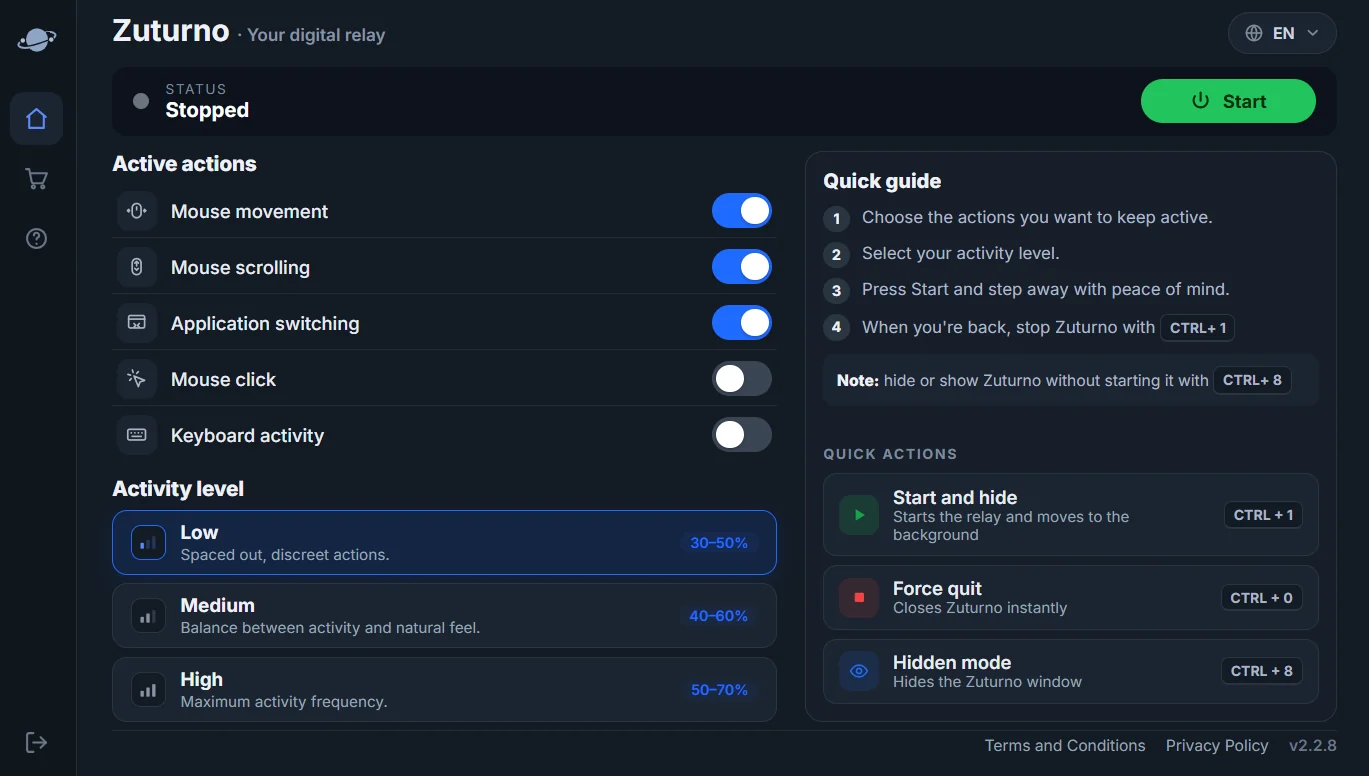
Zuturno keeps your own computer active and awake while you step away, for example during a download, a render or a presentation. It doesn't change Teams settings or your company's policies. If your job has rules about activity or allowed software, check them first.
FAQ
How long does Teams take to show me as Away?
It changes as soon as your computer locks or sleeps, and after a few minutes without keyboard or mouse activity (often around five). Teams doesn't let users change that time.
Can I set my Teams status so it doesn't change?
You can choose a status and a duration under Duration > Reset status after. When the time ends, Teams goes back to automatic presence.
Why does Teams show me as Away while I'm in another app?
On the desktop app, presence follows your computer's activity. If you're active in other apps, you should stay Available; on the mobile app or the web, presence can drop when Teams is in the background.
Is it OK to use a tool to stay green in Teams?
If your employer uses Teams status to measure work, using a tool to fake it can breach your contract or company policy. Use an honest status and agree on expectations with your team.